
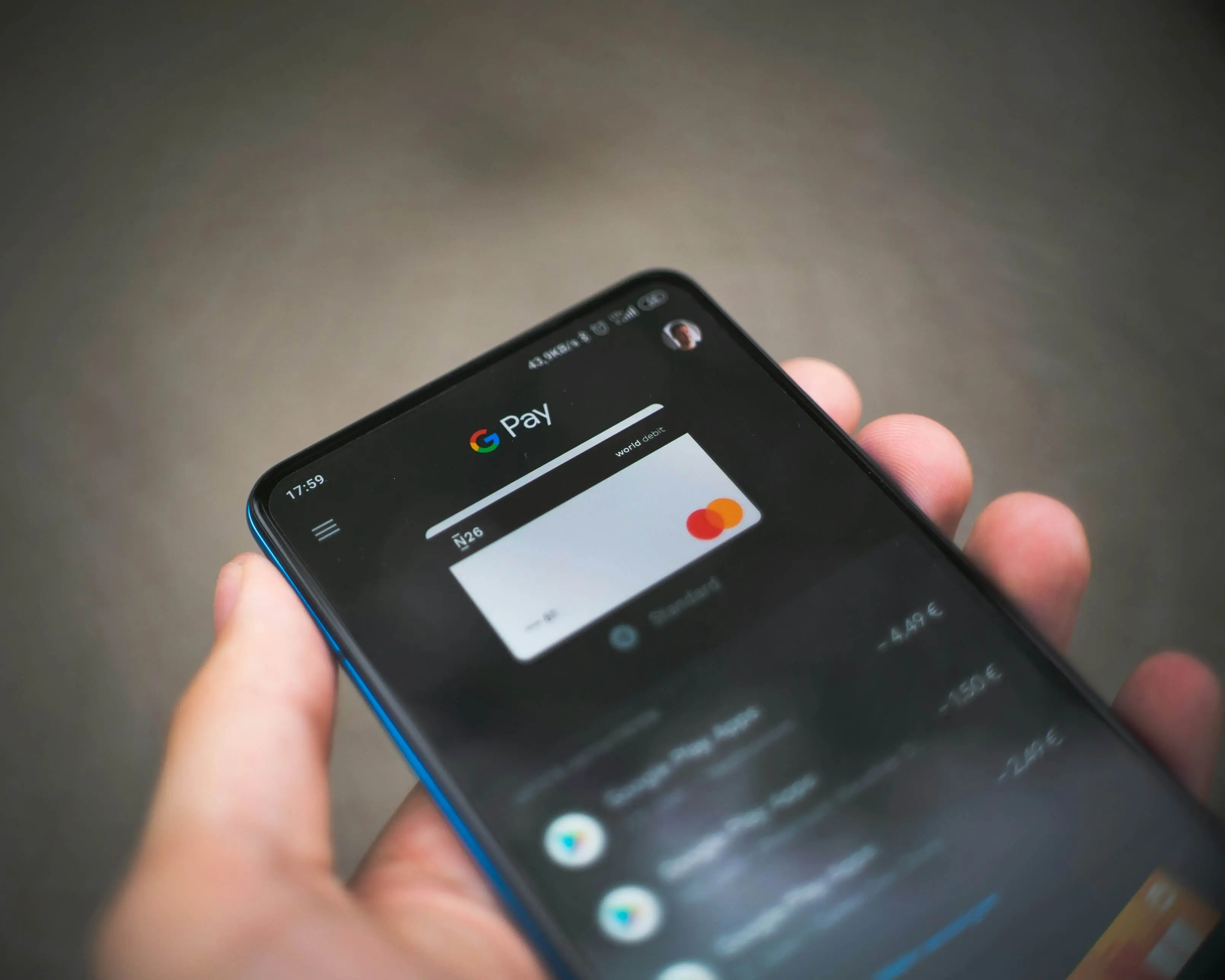
Picture this scenario: a customer says to their phone, "Find me black running shoes in size 43 under €150 and order them," and an AI agent handles the entire process on its own — searching live stores, comparing options, adding to cart, and completing checkout. The technology for this already exists. The real question is whether your store is technically ready to serve such an agent.
Since May 2026, Google has provided a formal answer to that question. Lighthouse 13.3.0 introduced a new audit category called Agentic Browsing that measures precisely this — how well AI systems can understand your site's structure and carry out transactions within it.
What Is Agentic Browsing and Why Now?
The term "agentic browsing" describes the ability of autonomous AI models to browse, analyse, and interact with websites without human involvement. Unlike familiar chatbots, these agents do not just answer questions — they plan and execute multi-step tasks: finding a product, comparing variants, filling forms, and finalising an order.
It is important to understand how AI agents actually "see" websites. They do not perceive the visual design — colours, animations, hero banners. They work with the accessibility tree — a structured representation of the page built from its semantic HTML. If your "Add to Cart" button is a <div> with no attributes rather than a <button> with a proper aria-label, the agent simply does not recognise it as an interactive element.
This reality is precisely what prompted Google to add a new Lighthouse category. The audit was in experimental mode from late 2025, but with Lighthouse 13.3.0 (released 7 May 2026) it moved into the default configuration. From Chrome 150 onwards, every Lighthouse run returns Agentic Browsing results automatically, with no manual activation required.
How the New Measurement Works
Unlike the familiar Performance, Accessibility, Best Practices, and SEO categories, Agentic Browsing does not produce a score from 0 to 100. Instead it shows a fractional pass ratio — for example, "3 of 5 audits passed" — alongside a pass/fail status for each individual audit. The official documentation explains this decision: the standards for the agentic web are still evolving, and a single numeric score would imply a maturity that does not yet exist.
The category covers four main areas.
Agent-Centric Accessibility
Lighthouse pulls a specific subset of existing accessibility audits, but with a focus on machine interaction. It verifies that every interactive element — forms, buttons, inputs — has a programmatically accessible name. It also checks the integrity of the accessibility tree itself: whether roles and parent-child relationships are valid, and whether important content is not hidden from assistive systems. Agents rely on the accessibility tree as their primary data model. If it is defective, any interaction fails before it begins.
WebMCP Integration
WebMCP (Web Model Context Protocol) is a proposed open web standard being developed by Google and Microsoft within the W3C Web Machine Learning Community Group. Announced on 10 February 2026, it is currently in a public origin trial in Chrome 149. The idea is straightforward: instead of agents attempting to guess what each button does, the website provides them with a structured specification of available actions — something like a menu with precise instructions.
Implementation can be declarative or imperative. With the declarative approach, you add special attributes directly to HTML forms:
<form tool-name="add_to_cart" tool-description="Adds a product to the shopping cart">
  <input name="product_id" tool-param-description="The product ID" />
  <input name="quantity" tool-param-description="Desired quantity" />
  <button type="submit">Add to Cart</button>
</form>
Lighthouse checks whether WebMCP tools are registered and whether the annotations conform to the expected schema. Because the standard is still in active development, failing this check is not considered a critical defect at this stage. The audit will carry increasing weight as the specification stabilises, which is expected in the second half of 2026.
llms.txt — A Machine-Readable Profile of Your Store
By analogy with robots.txt and sitemap.xml, the llms.txt file placed at the root of a domain provides a concise Markdown summary of the site intended for AI systems. It describes what the store offers and points to key categories and important pages.
An important nuance from the official documentation: if the file is absent and the server returns a 404, the audit is marked as "Not Applicable" — not a failure. A server error, however, does result in a failure. Providing the file is recommended but not yet a hard requirement.
For PrestaShop stores with large catalogues, ready-made modules are available that generate llms.txt automatically from the real catalogue data — products, categories, and CMS pages — with multi-shop and multilingual support.
Cumulative Layout Shift (CLS)
Page instability — elements moving around while content loads — is a problem not only for users. An AI agent operates considerably faster than a human and may attempt to interact with an element at precisely the moment it has shifted position on the page. The result is a misfire or a failed transaction. Lighthouse applies the CLS metric introduced in 2020, but places it in a new context: as a prerequisite for reliable agent interaction.
Why This Is Critical for E-Commerce
A physical store with a confusing entrance simply loses customers who cannot find the door. An online store with poor AI-agent accessibility loses orders because the agent misses the Add to Cart button, confuses fields during checkout, or gives up and moves to a competitor whose markup is written correctly.
AI traffic to retail sites is growing rapidly. Adobe Analytics data from the first quarter of 2026 shows year-on-year growth of 393%. Platforms like Shopify have added automatic llms.txt generation, but the default file describes the store on the platform's own terms — pointing to their own channels and apps, not the individual merchant's content. PrestaShop stores generate this file themselves, with full control over what it contains.
Accessibility Is the New AI SEO
Investment in semantic HTML and ARIA attributes has always delivered two benefits: better SEO rankings and greater usability for people with visual impairments. It now delivers a third: accessibility for AI agents. Three returns from a single technical effort make this work unusually valuable.
Page Stability Directly Affects Agent Conversions
If a PrestaShop theme loads additional content via JavaScript after initial rendering, if promotional banners displace buttons, if images without fixed dimensions cause the page to shift — these are not only Core Web Vitals concerns but also conditions that make reliable agent interaction impossible.
Four Practical Steps for Your PrestaShop Store
The audit is still in an early stage and no store is expected to achieve a perfect score right now. But the steps that lead to a better result are the same good practices that every well-built store needs for independent reasons.
Step 1: Audit your semantic HTML. Every interactive function — search, add-to-cart, filters, checkout form — must be built with the correct HTML elements: <form>, <input>, <button>, <select>. Using <div> and <span> with JavaScript event listeners instead of native elements makes those functions invisible to the accessibility tree and, consequently, to AI agents.
Step 2: Add correct ARIA attributes to key elements. The "Add to Cart" button needs an aria-label with descriptive text. An icon for a wishlist feature without visible text needs an attribute describing its function. Quantity fields need associated <label> elements. These attributes are precisely the signals Lighthouse evaluates under Agent-Centric Accessibility.
Step 3: Publish an llms.txt file. The file goes at the root of your domain (yourstore.com/llms.txt) and follows the format described at llmstxt.org: a # heading, a brief store description, then structured lists of links to categories and important pages. For PrestaShop stores with large catalogues, a module that generates the file dynamically from live data is the practical choice.
Step 4: Eliminate CLS issues. Every image in your theme should have explicit width and height attributes. Promotional banners loading after the main content should have reserved space. Lazy-loaded content that pushes already-rendered elements should be reviewed and corrected.
The Broader Context Behind Agentic Browsing
Google is building a comprehensive infrastructure for the agentic web. Alongside the Lighthouse audit, the company has announced the Universal Commerce Protocol — a standard allowing AI agents to complete purchases across retailers without leaving AI surfaces. The Google-Agent user-agent string is already in use when Google's AI agents visit and interact with stores. These are not academic developments — they describe the infrastructure through which future customers will arrive.
Shopify adds llms.txt automatically, but the file promotes their own ecosystem — Shop App, Shopify Payments, their own channels. The merchant has no control over its content, no control over the HTML structure of the theme, and no say in how the platform chooses to implement emerging standards. WooCommerce depends on the WordPress ecosystem, where these standards are implemented unevenly — responsibility falls on whichever plugin or theme happens to be installed, with no guaranteed consistency. PrestaShop, as an open-source platform with full code access, gives developers complete control over HTML structure, ARIA attributes, and machine-readable file generation — without the constraints of a proprietary platform and without monthly fees to access code you already own.
Conclusion
The web is moving from human-first design to human-and-machine-first architecture. The Agentic Browsing audit in Lighthouse is not an end in itself — it is a measuring instrument for store readiness on a channel whose traffic is growing at triple-digit rates. The good news is that the steps to improvement — semantic HTML, ARIA attributes, stable page loading — are the same ones every well-maintained PrestaShop store should already have in place, regardless of AI agents.
Assessing readiness and implementing the necessary changes requires a thorough technical audit, in-depth knowledge of PrestaShop architecture, and work at the theme and module level. If you want to understand how your store currently measures up and what specifically needs to change, get in touch with us.
Frequently Asked Questions
Will the Agentic Browsing score affect my Google Search ranking?
Google has not announced a direct connection between the Agentic Browsing audit and search rankings. The audit measures readiness for AI agents, not SEO position. However, the semantic HTML and accessibility that the audit evaluates do have a positive effect on traditional SEO as well.
Do I need to implement WebMCP right now?
WebMCP is in an Origin Trial phase and the specification is still evolving. The official Lighthouse documentation acknowledges that it is normal for most sites to fail this check at present. Monitor the progress of the standard, but do not hold back the other steps while waiting for it.
How complex is it to add an llms.txt file?
For a simple store, the file can be created manually in a few minutes and uploaded to the server. For stores with a dynamic catalogue of hundreds or thousands of products, a module that generates the file automatically as the catalogue changes is the recommended approach.
Are PrestaShop stores at a disadvantage compared to Shopify when it comes to agent readiness?
Shopify automatically generates llms.txt files for its stores. That is an early-mover advantage, but it comes with a constraint: the default file describes the store on Shopify's terms, not the merchant's. PrestaShop gives full control over the content and structure of that file — and of every other layer that determines agent readiness — without vendor lock-in.
Sources
- Lighthouse Agentic Browsing Scoring — Chrome for Developers
- llms.txt audit — Chrome for Developers
- WebMCP (Web Model Context Protocol) — W3C Web Machine Learning Community Group
- llmstxt.org — official specification
- Automate Lighthouse audits with AI agents — Chrome DevTools
- DebugBear: Lighthouse Agentic Browsing category