
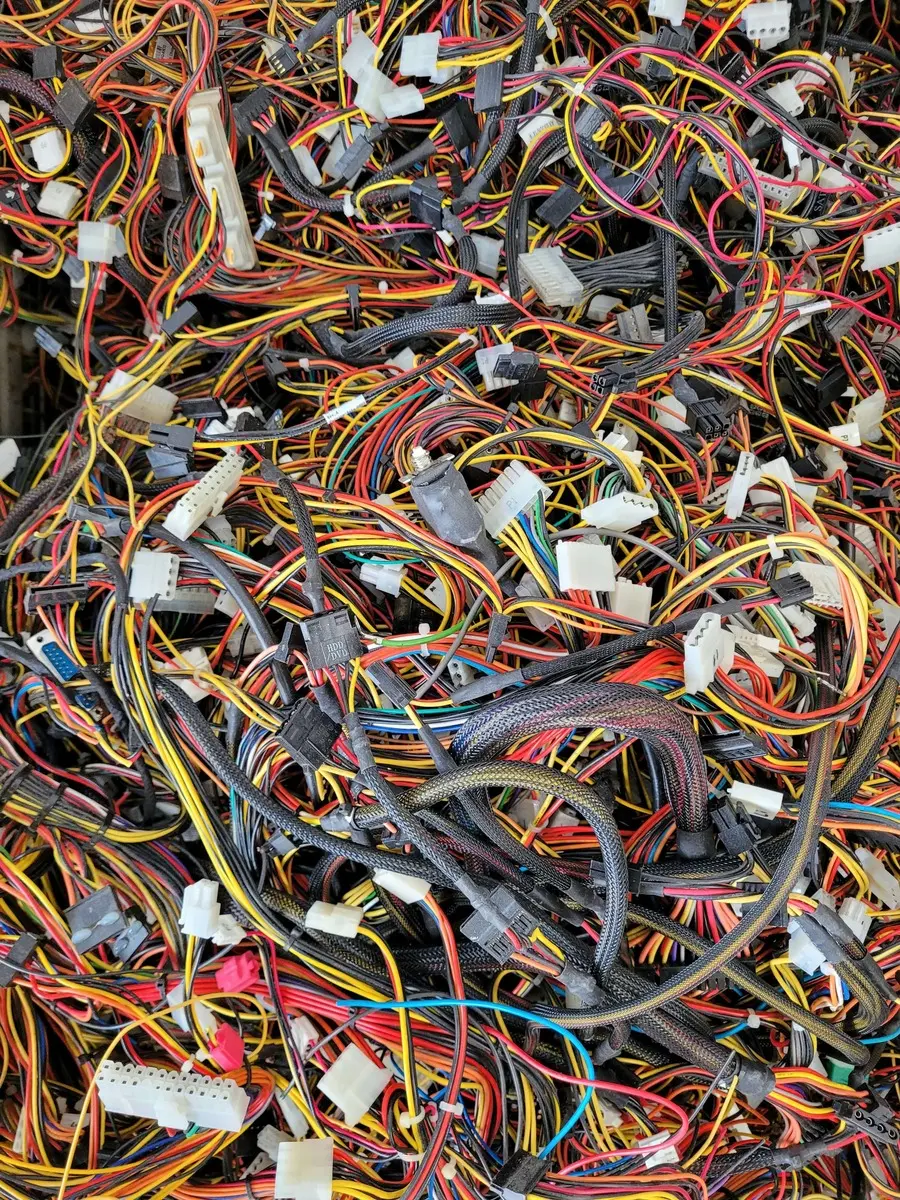
"Just one more feature for €30." It sounds harmless enough. You find a module on the Marketplace, install it in five minutes, and the problem disappears — at least on the surface. A month later you buy a second one. Then a third. Six months in, the back office looks like a parts warehouse, and the store itself runs slower and more unpredictably after every update.
That is the moment a store turns into what our team at GS Vision calls a "Frankenstein store" — stitched together from dozens of mismatched pieces of code, written by different developers, at different times, with no shared vision of how any of it should work together. Each piece does its job on its own. Together, they barely hold.
The issue is not buying modules. The issue is the "more features, the better" logic applied without a plan. Here is what is actually happening under the hood, and why the bill always arrives later — and bigger.
Problem 1: Death by a Thousand Scripts
Every PrestaShop module typically ships its own files — CSS, JavaScript, sometimes even its own copy of libraries like jQuery. Install five, ten, fifteen modules, and those files start stacking up in the <head> and before the closing <body> tag of every page, whether or not that particular module is even used on that page.
The outcome is predictable:
- more HTTP requests on every page load;
- render-blocking CSS and JS that delays the moment your content actually appears;
- duplicate libraries — in our experience, it is not unusual for a store to load two or three different versions of jQuery at once, simply because each module bundles its own;
- a heavier, slower back office, since admin-side modules pile up their own assets too.
This directly affects the three metrics Google uses to measure user experience quality — the Core Web Vitals: Largest Contentful Paint (LCP), Interaction to Next Paint (INP), and Cumulative Layout Shift (CLS). The recommended thresholds are an LCP under 2.5 seconds, an INP under 200 milliseconds, and a CLS under 0.1 — thresholds a module-heavy store rarely meets.
A slower store is not just a technical footnote. It translates into abandoned carts and real lost revenue. We covered this in detail in Core Web Vitals and PrestaShop: How Slow Code Kills Your Sales.
Problem 2: Conflicts and the Domino Effect
Off-the-shelf modules are built independently of one another. The author of one has no idea your store also runs another module trying to modify the same theme area, the same hook, or the same platform class.
PrestaShop gives modules two main ways to extend functionality: hooks — points in the code where modules attach their own content or logic — and overrides, where a module literally replaces the behavior of a core class or controller. The catch is that PrestaShop's override mechanism is exclusive by design: if one module overrides a given piece of platform behavior, another module can no longer use that same behavior reliably, or override it in a predictable way. In plain terms, the two modules end up competing over who "wins," and the result is not always the one you would expect.
In practice, this means:
- updating one module can break functionality in another that looks completely unrelated;
- a platform update can suddenly invalidate an override written years ago by a module nobody maintains anymore;
- debugging takes disproportionately long, because the actual cause is rarely where it appears to be — a checkout bug can easily originate from an SEO module installed three years earlier.
We have seen conflicts like this take over 20 hours of development time to resolve — only to find that two modules were fighting over the exact same hook.
Problem 3: Security and Technical Debt
The PrestaShop module marketplace is open — any developer can publish a module. That openness is one of the ecosystem's real strengths, but it has a flip side: a large share of cheaper, niche modules are maintained by a single developer or a small team who, over time, simply stop working on them. Without active maintenance, a module stops receiving updates, even after a vulnerability is found in it or in the platform around it.
This is not a hypothetical risk. Even official, actively maintained PrestaShop modules occasionally receive critical security advisories — a recent case affected the faceted search module, ps_facetedsearch, with a vulnerability allowing remote code execution without any authentication (see PrestaShop Security Updates June 2026: Faceted Search Vulnerability and New Patch Releases). If an official module with active maintenance and a public security-advisory process can carry that kind of exposure for a period of time, the risk from an abandoned module built by a niche developer nobody is watching anymore is considerably higher — there is simply no one left to ship a fix.
There is a second, quieter problem too: technical debt. Removing a module from the back office does not always clean up fully after itself — database tables, configuration entries, sometimes leftover files can keep existing weeks or years after uninstallation. Over time, the database fills up with dead weight nobody remembers the origin of.
The Fix: Off-the-Shelf Module vs. Custom Development
Not every off-the-shelf module is a problem. The real question is when it makes sense to use one, and when it does not.
An off-the-shelf module is a reasonable choice for an official payment module issued directly by a bank or payment provider, or a module from an established courier with a long market track record and regular updates. In both cases, a regulated institution stands behind the module with both the interest and the resources to maintain it. The same applies to functionality that is not critical to conversion, where the risk of poor maintenance is acceptable.
Custom development, on the other hand, becomes the right call when functionality is directly tied to revenue — checkout flow, pricing logic, business-specific rules — or when existing modules solve the problem "approximately" but do not match your specific theme, customer flow, or integrations. A lightweight, custom-built feature, designed around your specific theme and business needs, typically weighs far less than a combination of three off-the-shelf modules trying to approximate the same result. You can read more about what real PrestaShop development involves in PrestaShop Development: What It Includes and Why You Need a Specialist Agency.
Maintenance Is an Investment, Not a Cost
Every module you install is a long-term commitment, not a one-time purchase. It needs updates, needs to be checked for conflicts with every platform release, and ideally should pass an audit before it ever reaches your production store.
That is exactly what we do at GS Vision — we audit the code and performance of PrestaShop stores, identify which modules are actually pulling their weight, which ones are creating conflicts and dead weight, and propose a lightweight custom alternative where it is justified. If your store has turned into a "Frankenstein" over the years, get in touch for an audit, before the next platform update breaks something that matters.
FAQ
How many modules is "too many" for a PrestaShop store?
There is no universal number — it depends on the weight and quality of each module, not just the count. A store with five poorly built modules can be slower than one with twenty well-built ones. The real question is whether each module earns its keep.
How do I know if my store has become a "Frankenstein store"?
Typical signs are slow load times, especially on mobile; recurring errors after a platform or module update; and a back office full of modules nobody on the team remembers installing or why.
Is it safe to simply delete a module I do not use?
Uninstalling from the back office removes it from active use, but does not guarantee a full database cleanup. For older or more complex modules, it is good practice to have a developer check before and after uninstallation.