
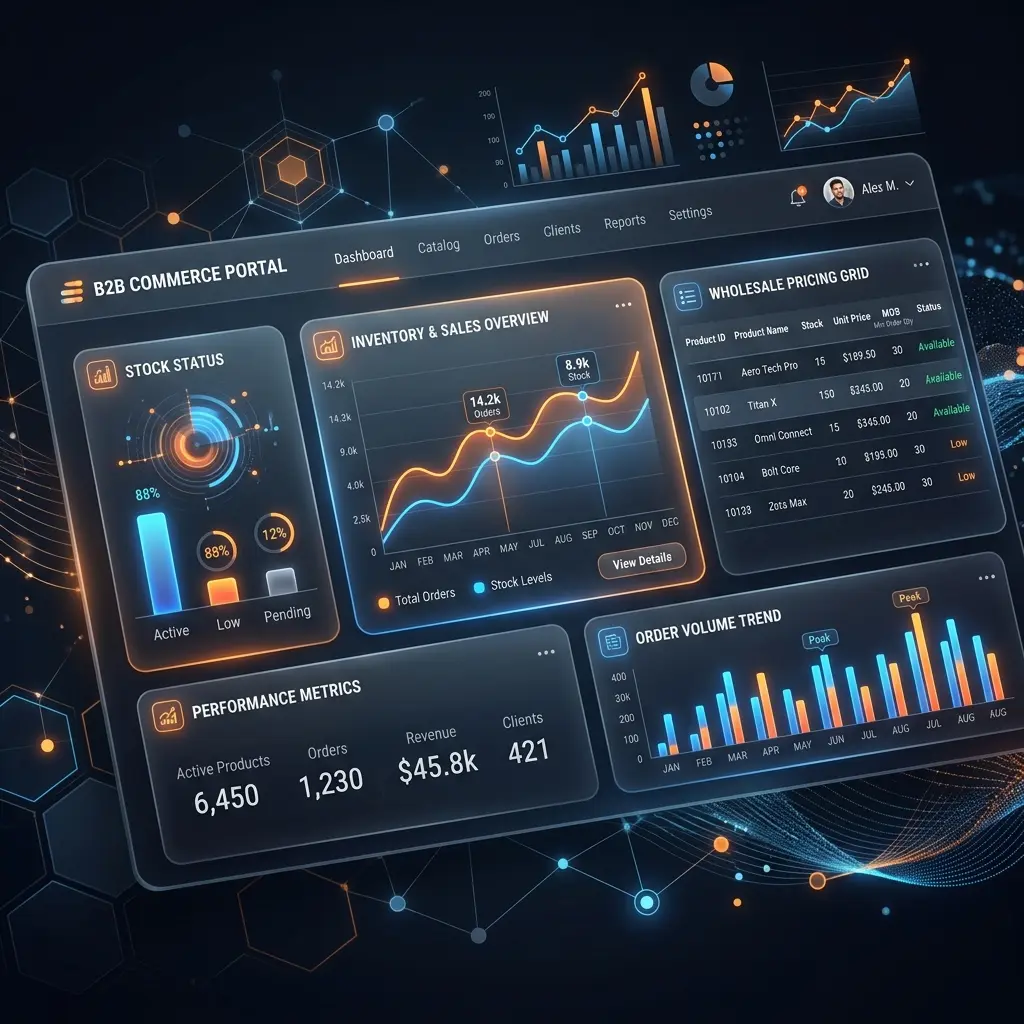
Wholesale and distribution businesses keep asking the same question: can a "regular" online store handle B2B trading, or do we need something built from scratch? Having built and maintained dozens of e-commerce systems — including several large-scale PrestaShop B2B portal solutions for distributors with tens of thousands of SKUs and hundreds of business clients — we can answer that with confidence: PrestaShop was never just a B2C platform, and its B2B capabilities are more mature than most people realize.
The Problem: B2C Stores Weren't Built for Wholesale
A standard consumer storefront is optimized for browsing, impulse buying, and one-off checkouts. Wholesale buyers need the exact opposite. They already know exactly what they want to order — often a list of SKUs they reorder every week — and they expect the price they see to reflect their negotiated terms, not a public retail tag.
Two major gaps show up almost immediately when a B2C store is pushed into a B2B e-commerce platform role:
- No fast reordering path: A buyer who orders 40 line items shouldn't have to search and click "add to cart" 40 times.
- No individual pricing: Different clients have different price levels, volume discounts, or even per-product exceptions negotiated outside the catalog price — and a generic store has no concept of "this client's price."
Both are solvable, but they require the platform to support B2B logic natively, not as an afterthought.
The PrestaShop Advantage: Native B2B Mode, No Paid Add-Ons Required
This is where PrestaShop stands out from WooCommerce or basic Shopify. Since version 1.6, and expanded significantly in PrestaShop 8 and 9, the platform ships with genuine wholesale functionality out of the box.
By simply enabling the native PrestaShop B2B mode, you unlock:
- B2B Mode Features: Unlocks specific company fields (company name, registration/company ID, website, authorized credit limit, payment terms) and an “Authorized outstanding amounts” view for tracking client credit limit. (Note: Country-specific tax ID fields, like an EU VAT number, are typically added via a dedicated VAT module, since PrestaShop's core B2B fields are geared toward French business identifiers by default).
- Customer Groups: Create distinct segments with group-specific price rules, tax display (prices shown with or without VAT per group), and category visibility.
- Specific Prices (Native Catalog Rules): Define discounts or fixed prices per product, per customer, per group, per currency, or per quantity bracket — all natively, all without a module purchase.
- Catalog Price Rules: Apply blanket discounts across categories, manufacturers, or the whole catalog to a given customer group.
For a lot of web agencies, the instinct is to reach for a paid B2B module the moment a client says "I need custom pricing." In our experience as PrestaShop developers, the native tools cover the majority of real-world pricing logic — global discount tiers, group-based pricing, product-level exceptions — keeping licensing costs and long-term maintenance complexity low.
Warehouse & ERP Integration: Why Real-Time Sync Isn't Optional
Native pricing tools solve half the problem. The other half is keeping the PrestaShop B2B portal's prices and stock levels in sync with your system of record — almost always an ERP (Enterprise Resource Planning).
For serious wholesale operations, "synced once a night" isn't good enough. If a client's negotiated price changes or a product goes out of stock, showing stale data erodes trust fast — a B2B buyer placing a large recurring order needs to see the real available quantity and their actual price at the moment they check out, not a snapshot from the last cron run.
On projects where we've built this kind of PrestaShop ERP integration, the pattern that works reliably looks like this:
- Scheduled Data Pulls: Pull price tiers and rules from the ERP on a schedule (base price levels per product, plus client-specific global or category-level adjustments and individual SKU exceptions).
- Local DB Storage: Store them locally in indexed database tables, so the storefront never depends on a live ERP API call to render a page.
- Smart Caching: Cache the "hot path" — a logged-in client's resolved price and stock — in something fast like Redis, with the database as a reliable fallback if the cache is cold or unavailable.
- Prioritized Pricing Logic: Resolve pricing by priority: item-specific rule $\rightarrow$ group/category rule $\rightarrow$ client's global discount $\rightarrow$ default price level $\rightarrow$ fallback price. If a rule is missing or invalid, fall through to the next one instead of breaking the page.
We've implemented this kind of layered sync for distributors managing tens of thousands of catalog items and price tiers across multiple B2B client accounts. We currently maintain several live PrestaShop portals with active ERP-driven B2B pricing groups and dealer-specific price lists — some running for years across product line changes, currency transitions, and catalog restructures.
The key isn't the exact tool stack — it's designing the pricing logic so it is predictable, fast under load, and never shows a client a price or stock level that doesn't match reality.
User Experience: Quick Order by CSV or Product Code
Pricing logic is invisible if the ordering flow is still built for a casual shopper. The single highest-impact UX addition for a B2B portal is a quick order function — letting a returning buyer punch in SKUs (or upload a CSV/spreadsheet of their usual order) and get a filled cart in seconds, rather than clicking through category pages.
We've added this "quick order" capability — including guest and logged-in variants, code/SKU lookup, and CSV upload — to well over a dozen PrestaShop stores we maintain, refining it over several years based on real support tickets (stock-availability edge cases, converting a quick order into a regular one, pricing consistency, anti-bot protection, and more).
It consistently ranks as one of the most-used features by repeat B2B buyers, because it matches how they actually work: pulling from their own internal order sheets rather than browsing a catalog. Pairing it with saved addresses, saved payment terms, and clear per-client pricing removes almost every point of friction a professional buyer has with an online reorder.
Ready to Build Your PrestaShop B2B Portal?
PrestaShop gives you a genuinely capable B2B foundation without locking you into expensive third-party modules — but getting the pricing logic, ERP sync, and ordering UX right takes real implementation experience, especially at scale.
At GS Vision, a certified PrestaShop Expert (Level 2) agency, we design and build PrestaShop B2B portal solutions end to end: native pricing setup, custom ERP/warehouse integration, quick-order tooling, and everything in between.
If you're running a wholesale or distribution business and want a portal that actually fits how your clients order, get in touch with our certified PrestaShop experts for a free consultation.